ProTools
What’s new in 1.0.73
A keyboard shortcut collision, a terminal palette that appeared over the wrong screen, and the distribution fix that made the build shareable.
A smaller release, mostly repairs. Three of them are worth describing because the causes were more interesting than the symptoms.
⌘P opened two palettes at once
Pressing ⌘P in the terminal opened the menu command palette and the terminal command palette, stacked on top of each other.
Two independent bindings had claimed the same combination. The subtle part: a raw keyboard handler runs before the focus-based shortcut system, so both fired every time. Moving the terminal palette to ⌘⇧P was not enough on its own — the global handler had to explicitly ignore shift-modified presses, or it kept firing alongside the new binding.
The terminal palette appeared over other screens
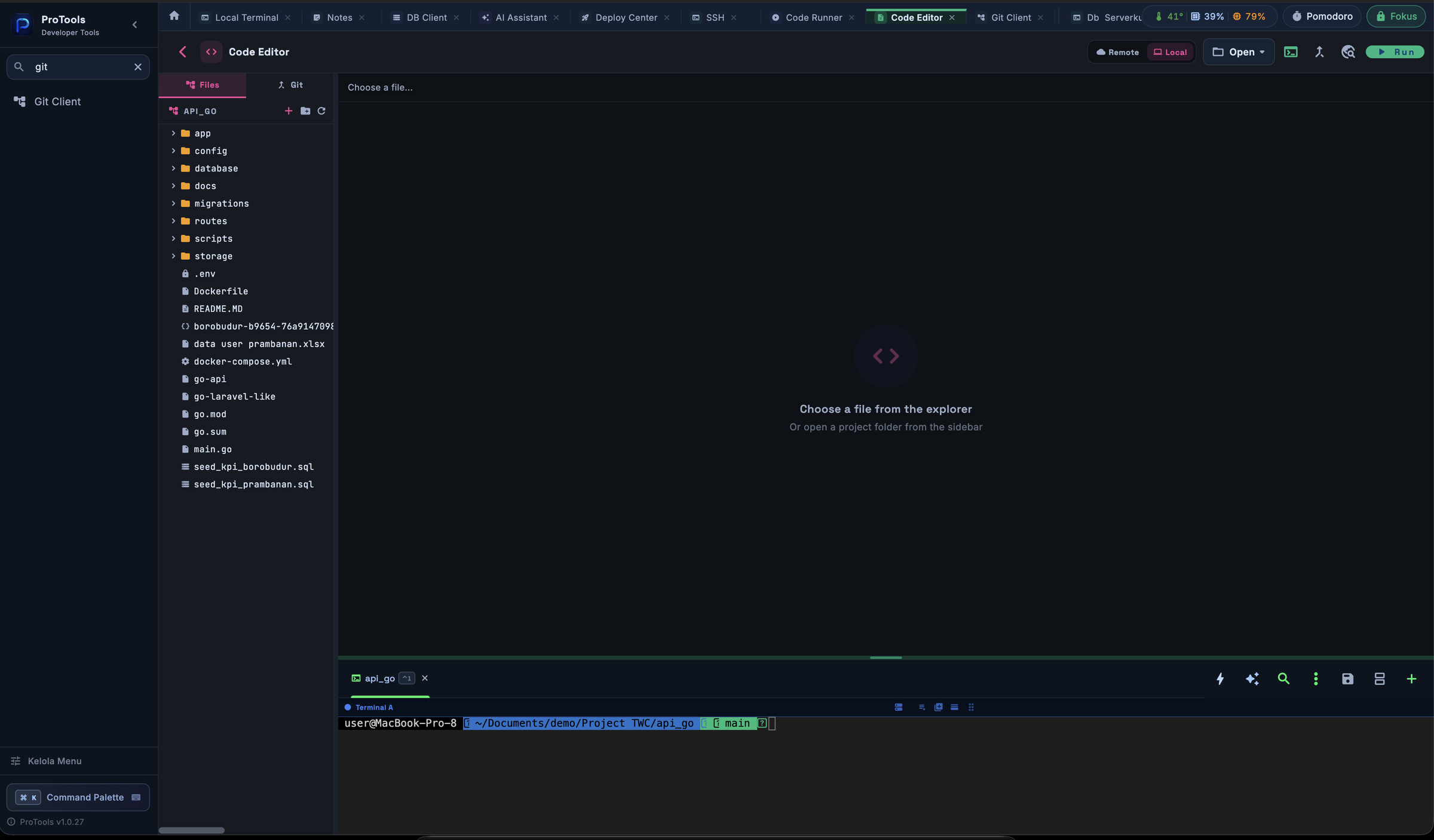
Inactive tabs stay mounted rather than being destroyed, so switching away is instant. But a Focus widget inside an inactive tab was still holding focus, so the terminal's shortcuts kept firing while a completely different screen was on display.
The fix uses something already there: inactive tabs are wrapped in a disabled TickerMode, so TickerMode.of(context) is a free "am I actually visible?" signal. When false, the whole shortcut map is swapped for an empty one.
The build now opens on other people's Macs
The distribution build was signed with a development certificate, which is only valid on machines that hold it. It is now signed with a Developer ID certificate, notarized by Apple, and the ticket is stapled to the disk image.
There is a longer write-up of that one in Shipping a macOS app that opens on someone else's Mac — including the second failure hiding behind the first.
Also in this release
- SQL editor caps result rendering at 5,000 rows, with a notice, instead of freezing on a large table
- Notes workspace picker and SSH profile picker in the workspace switcher
- Markdown preview with scroll sync
- Table pagination on PostgreSQL past 100 rows (see the quoting bug above)
Download links are on the home page. Existing installs can replace the app in Applications; settings and connections are untouched.