Database client, SSH terminal, REST client, code editor, Git and an AI assistant — in a single window, sharing the same connections and data.
55 MB · Intel & Apple Silicon · notarized · no account
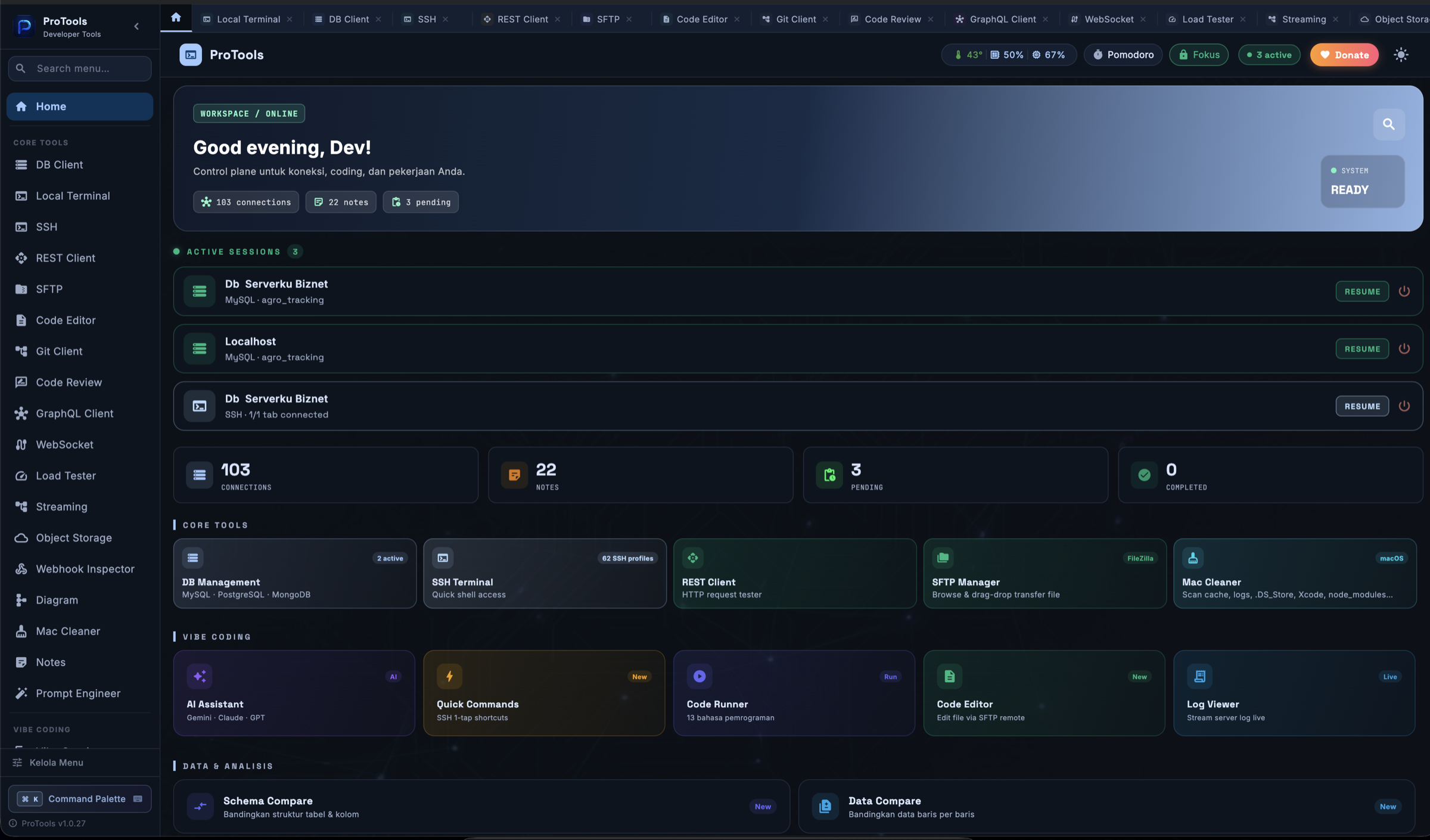
Not a pile of apps stitched together — everything shares the same connections, theme and storage. The categories below are the shape of it; the full list is further down.
Covers what you would otherwise open TablePlus, Termius, Postman, GitKraken and FileZilla for — with no subscription.
Fifty-eight tools, grouped exactly the way the app’s own sidebar groups them. Everything below opens in the same window and shares the same connections.
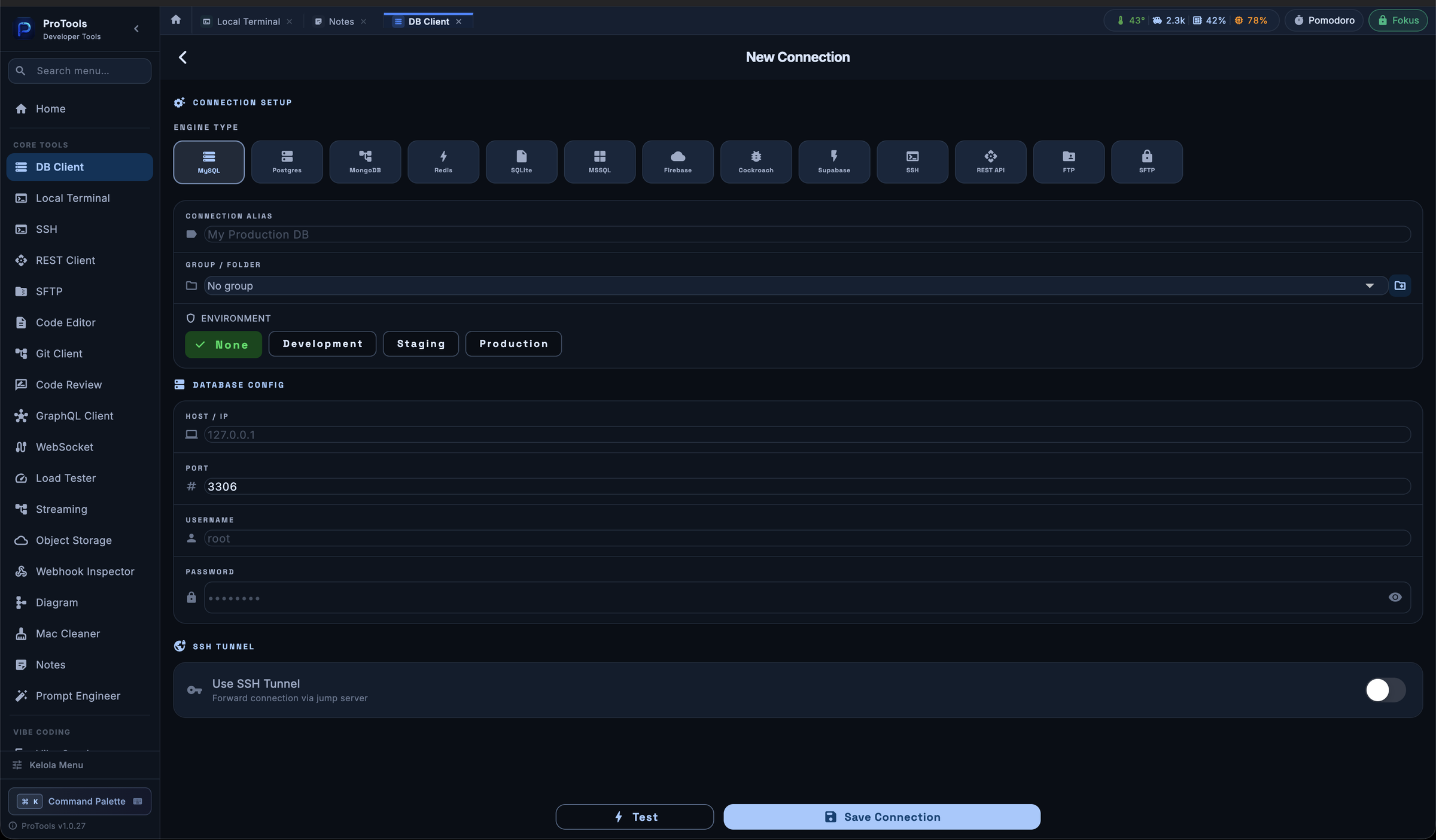
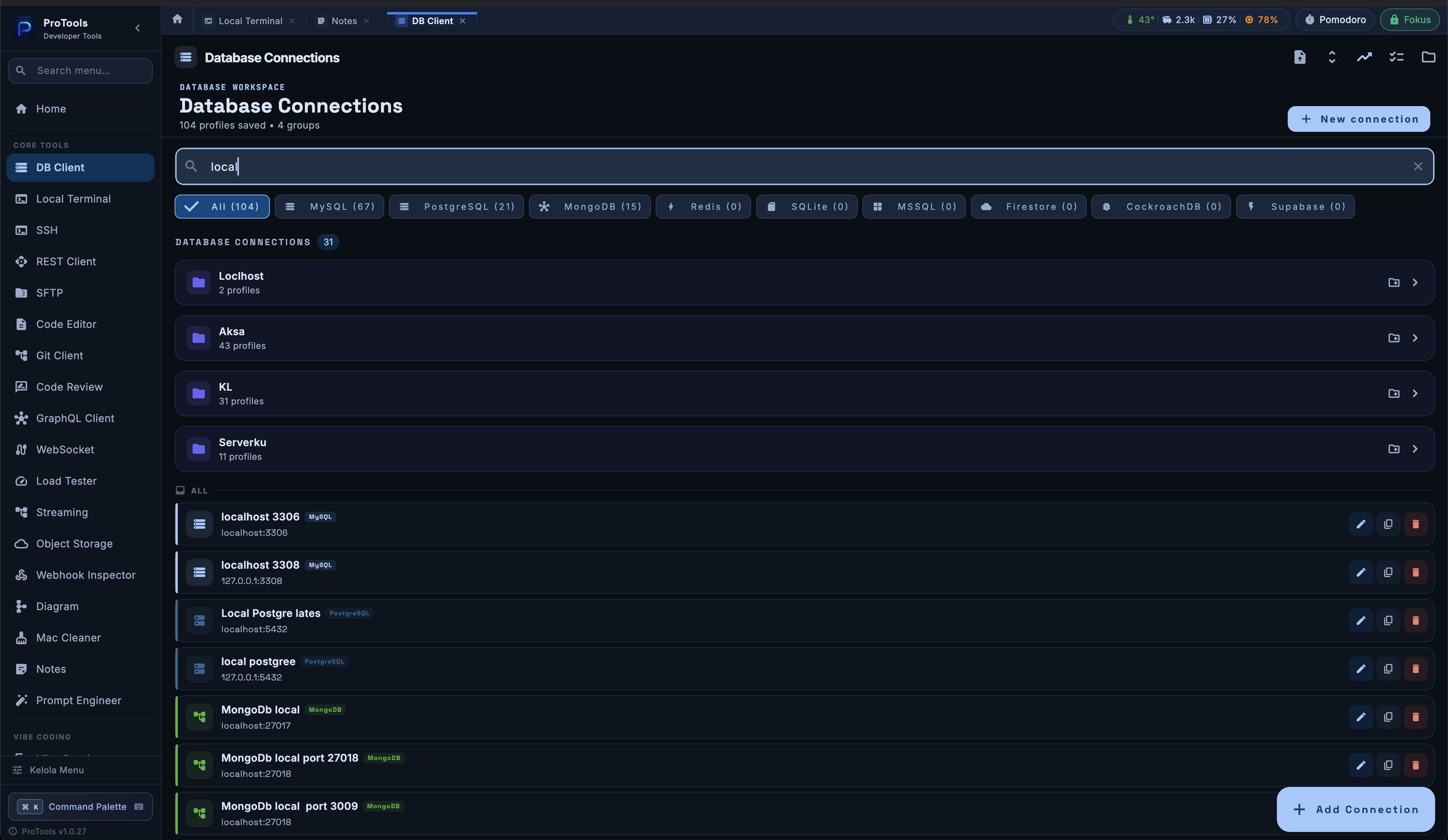
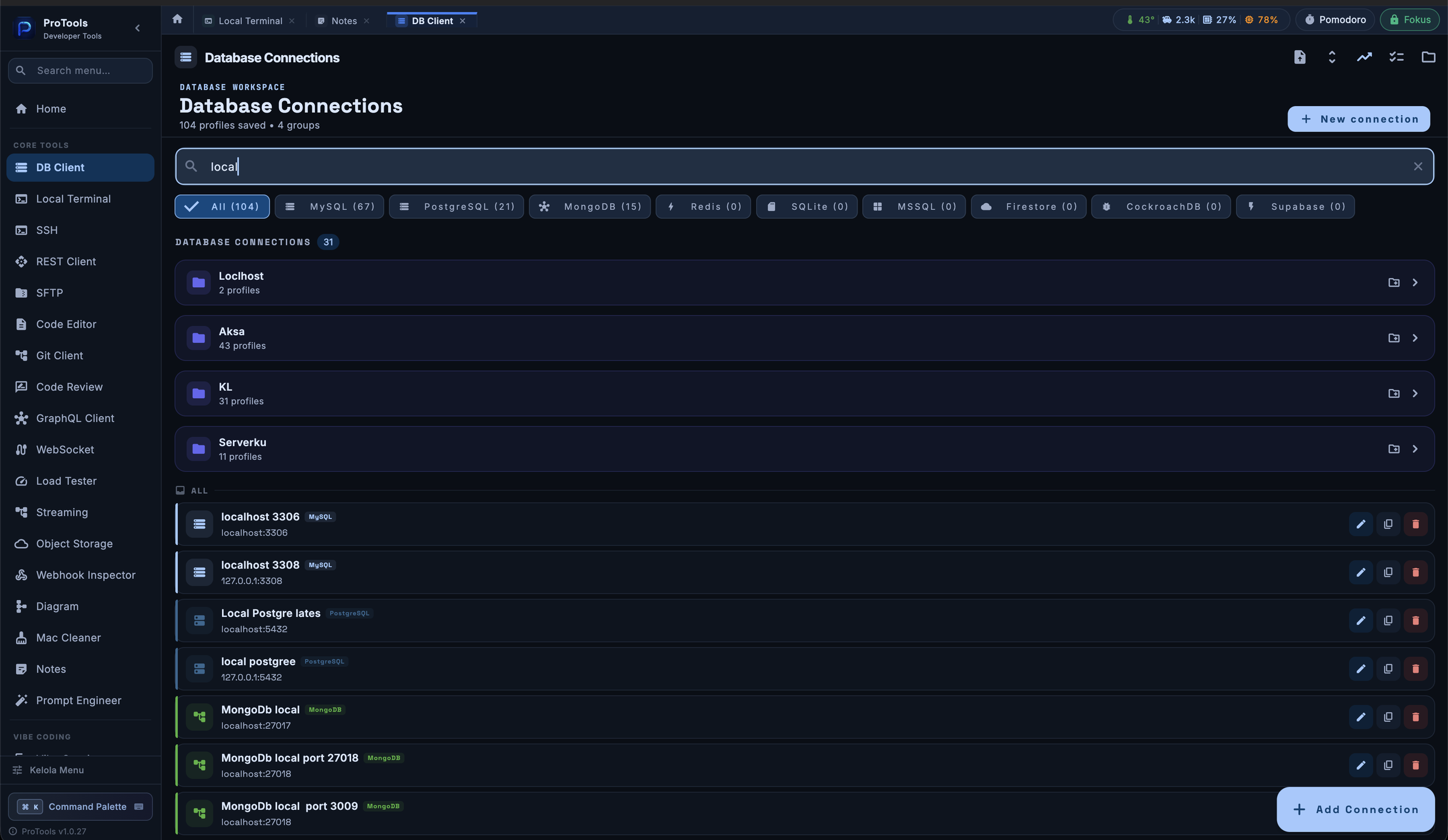
One New Connection form covers MySQL, PostgreSQL, MongoDB and Redis — plus SQLite, MSSQL, CockroachDB and Supabase. Connect directly or reach through an SSH tunnel.
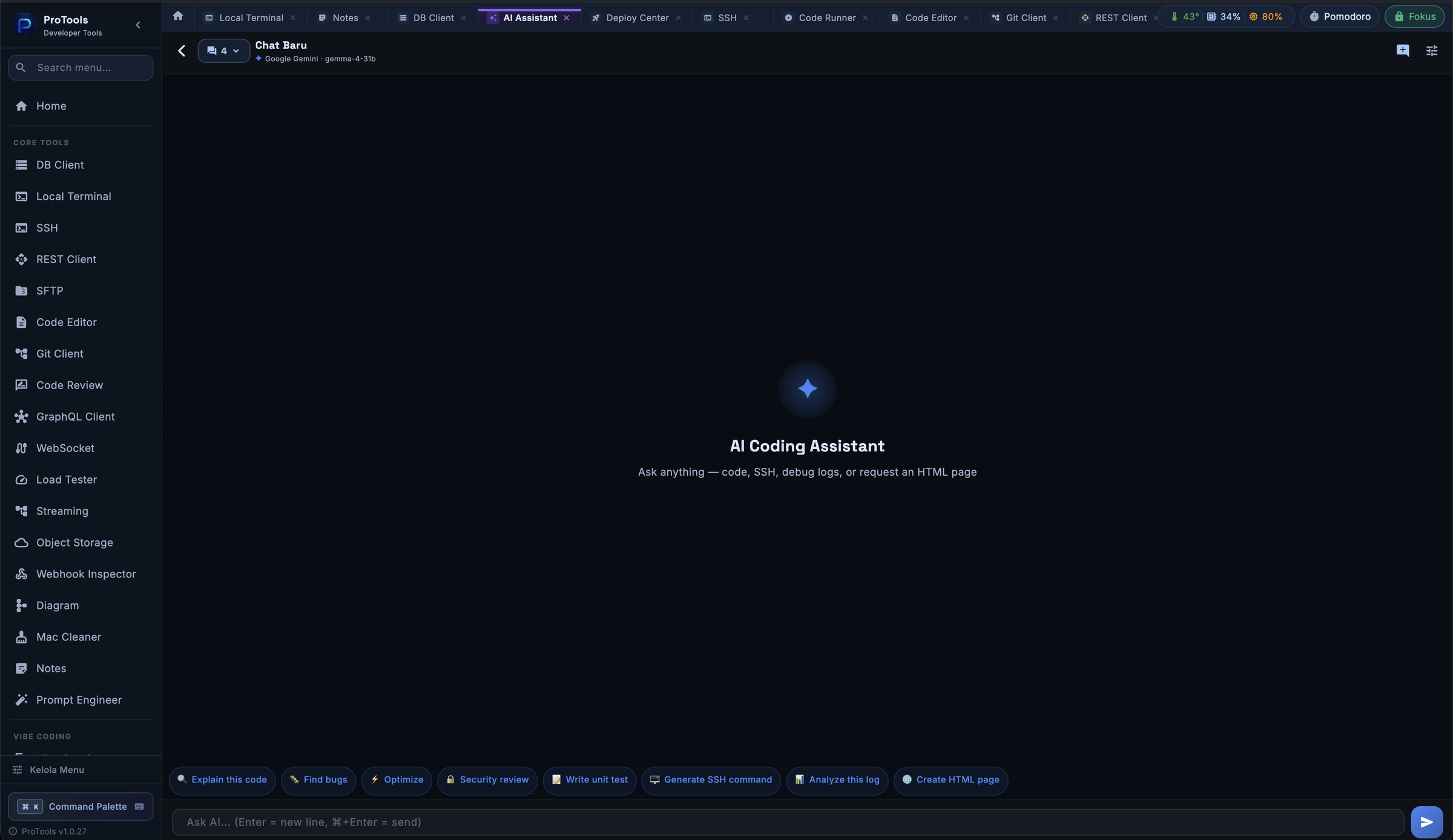
Ask for SQL while you are in the query editor. Ask what a command does while you are in the terminal. Ask for a diff summary right before you ship.
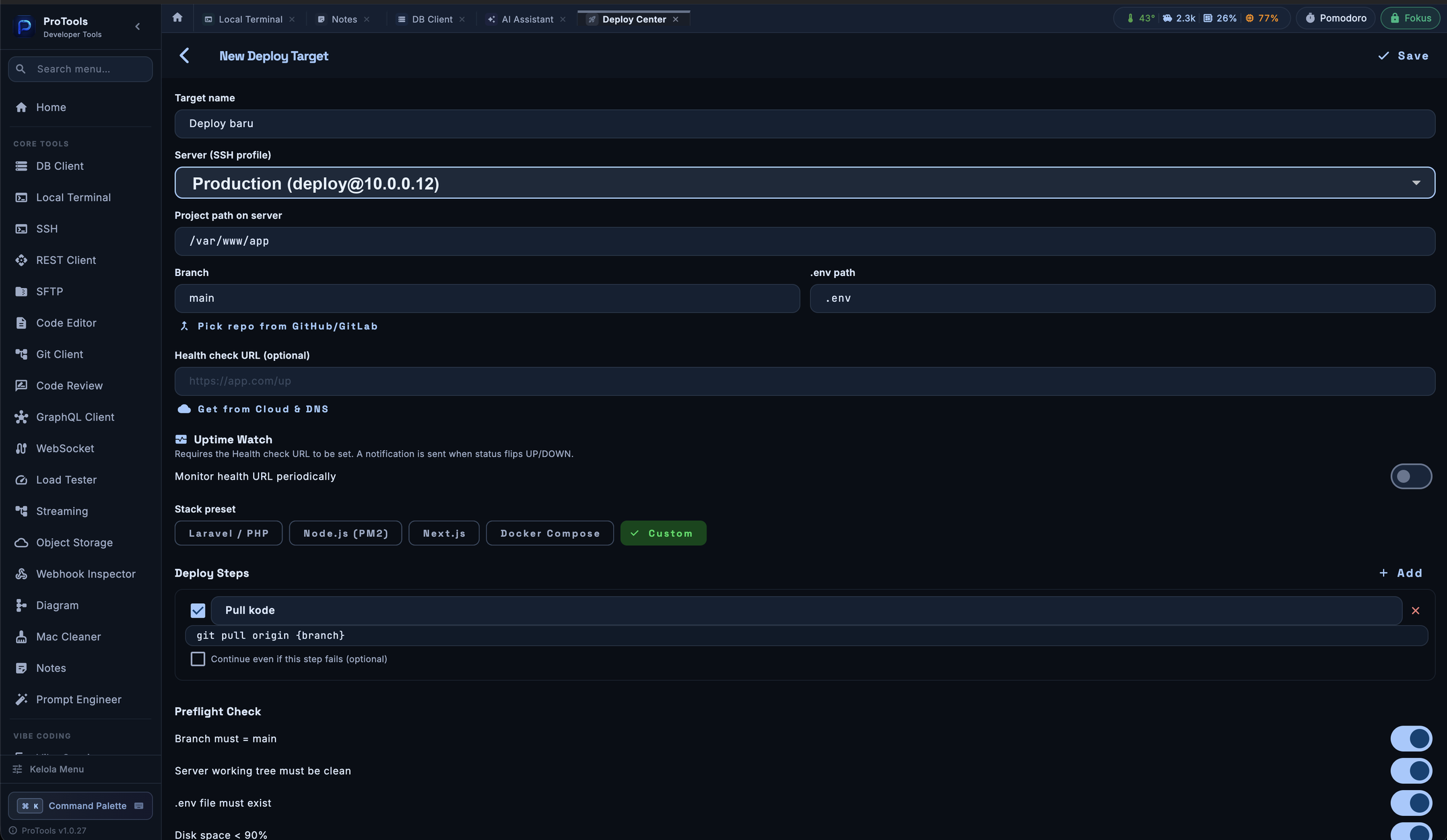
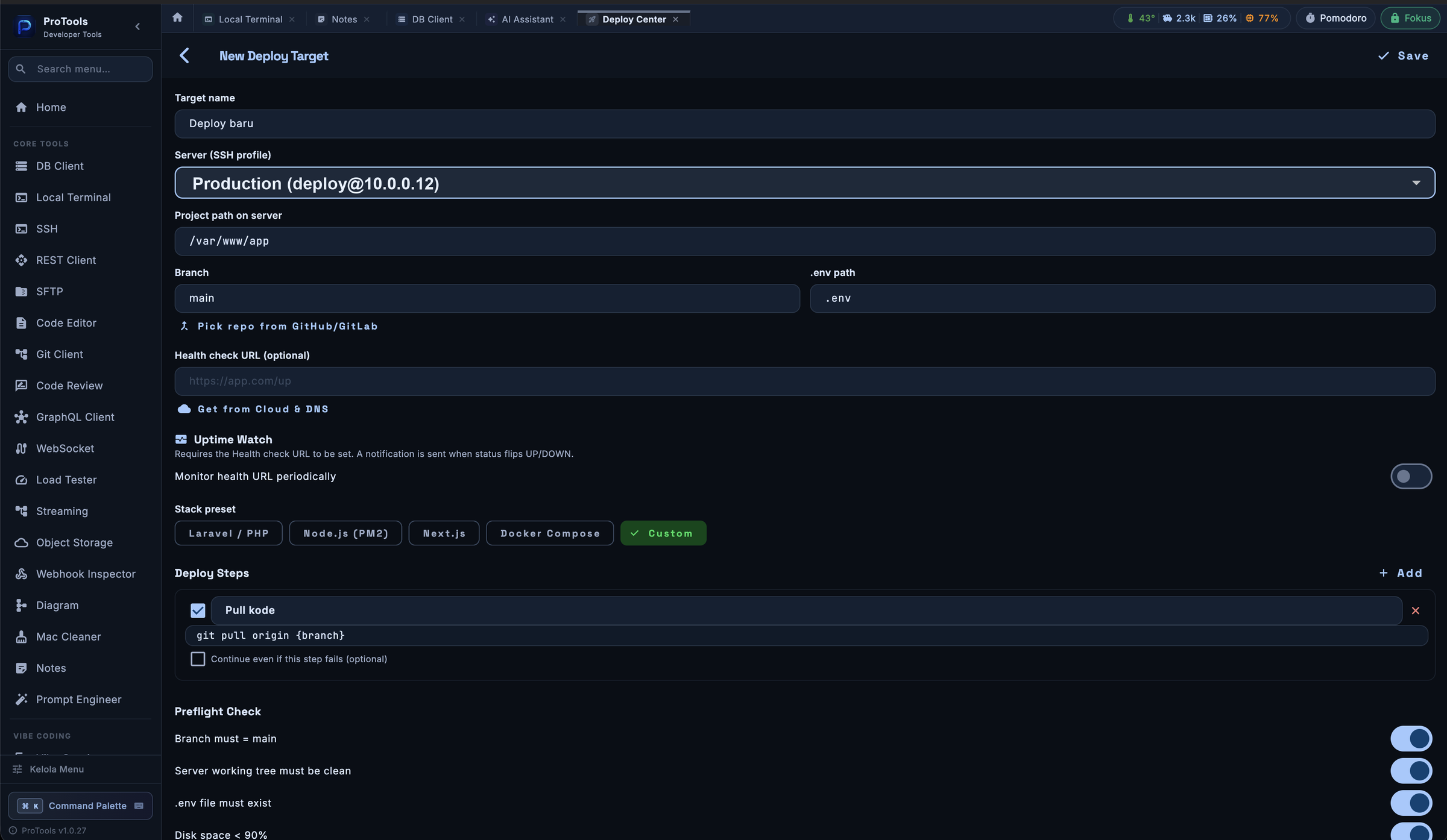
Preflight checks the server before anything runs. After release, Uptime Watch tells you the moment the server goes down — and the moment it comes back.
Cloud Sync is zero-knowledge and self-hosted. Data is encrypted on your device before it leaves, and the server belongs to you — not to whoever wrote the app. Seven kinds of data travel with you: connection profiles, saved queries, REST requests, quick commands and more.
Not a companion app with three read-only screens — the mobile build carries the database client, the SSH terminal, and the tools around them. Same connections, same data.
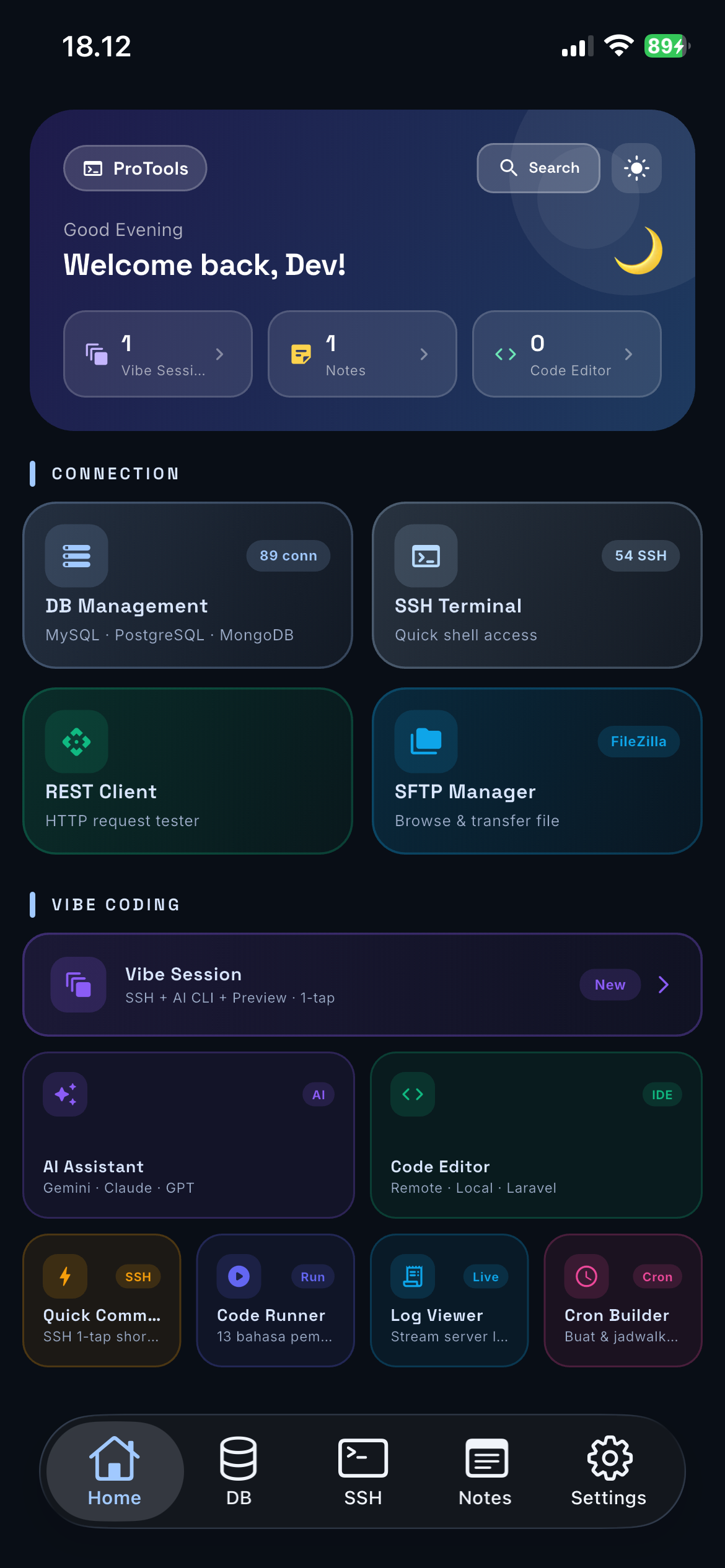
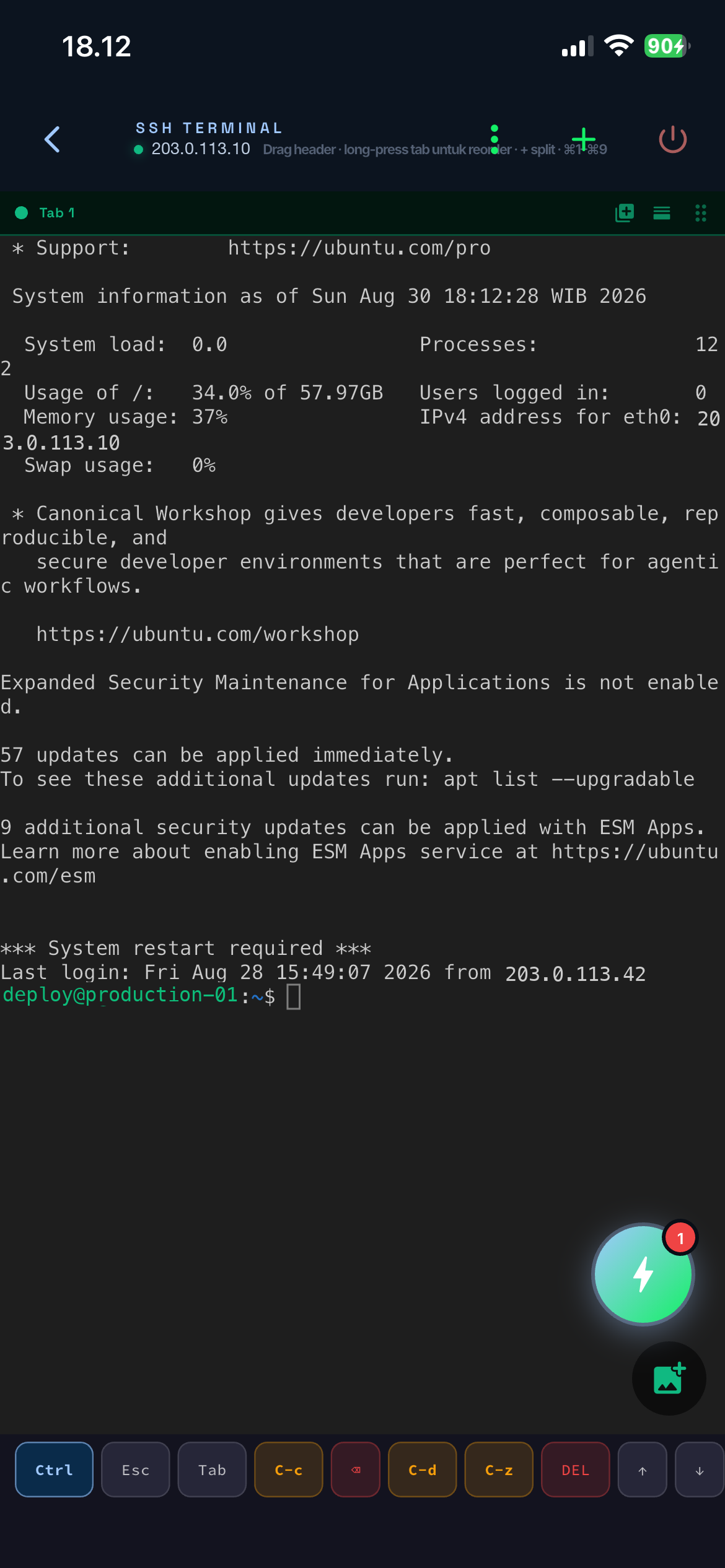
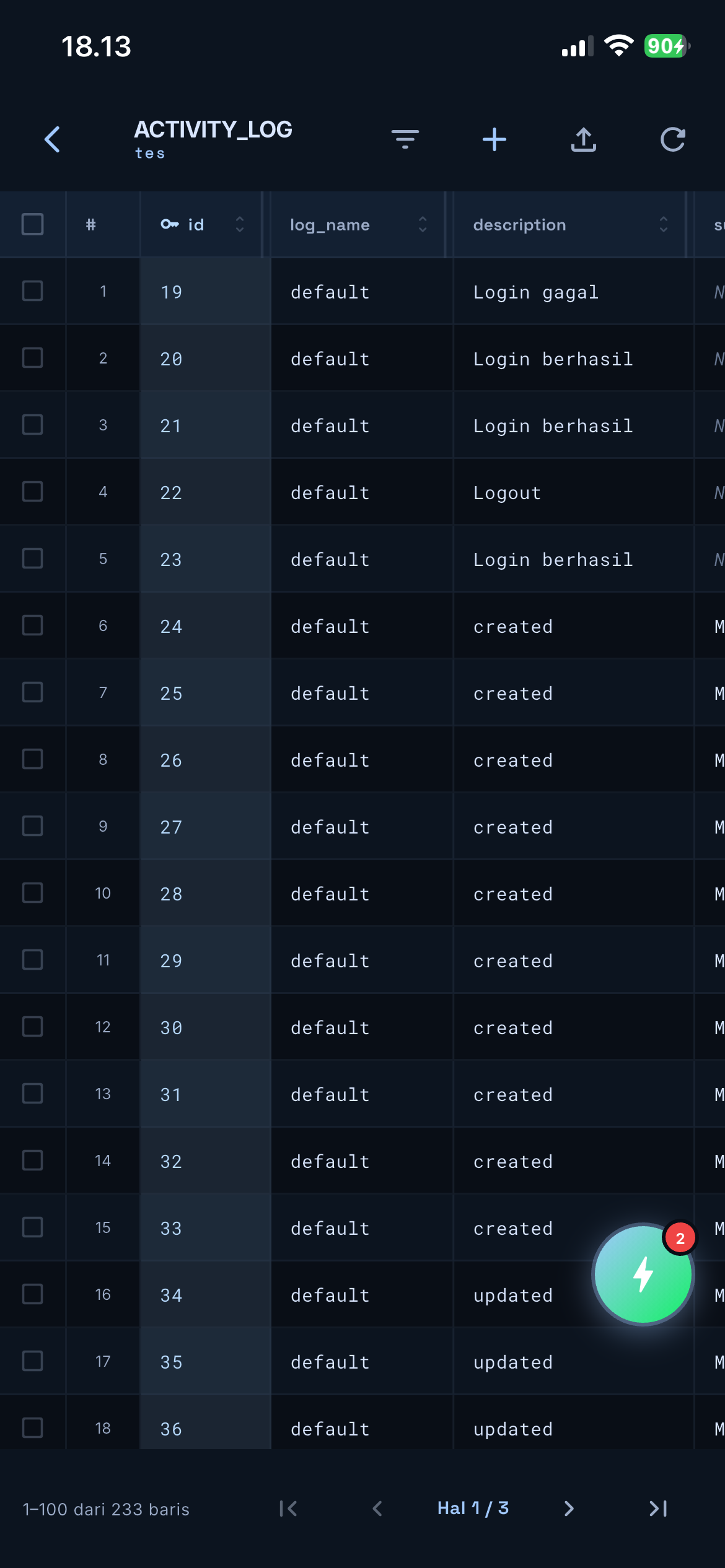
Seven of the busiest screens. Click any image to enlarge.
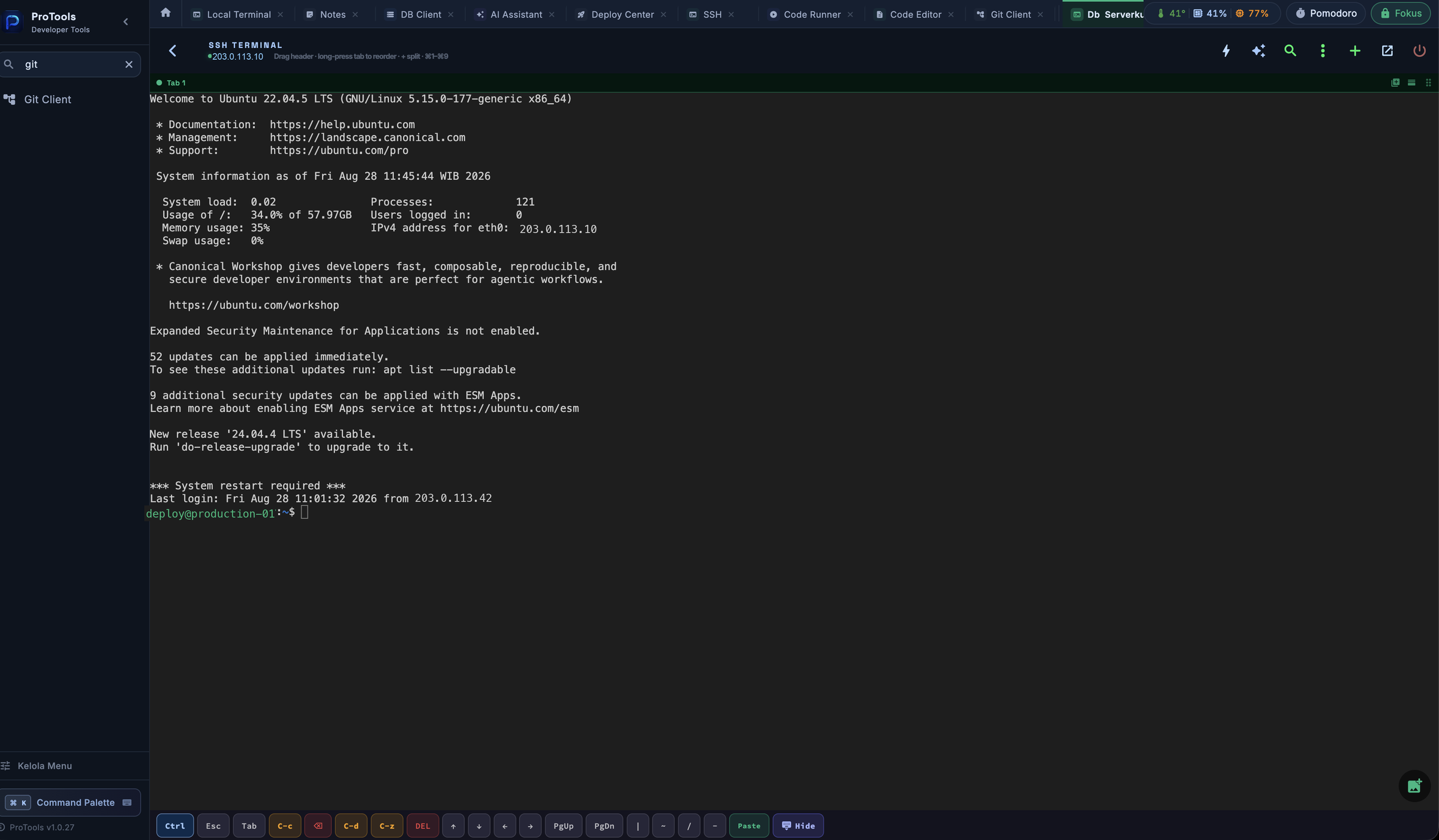
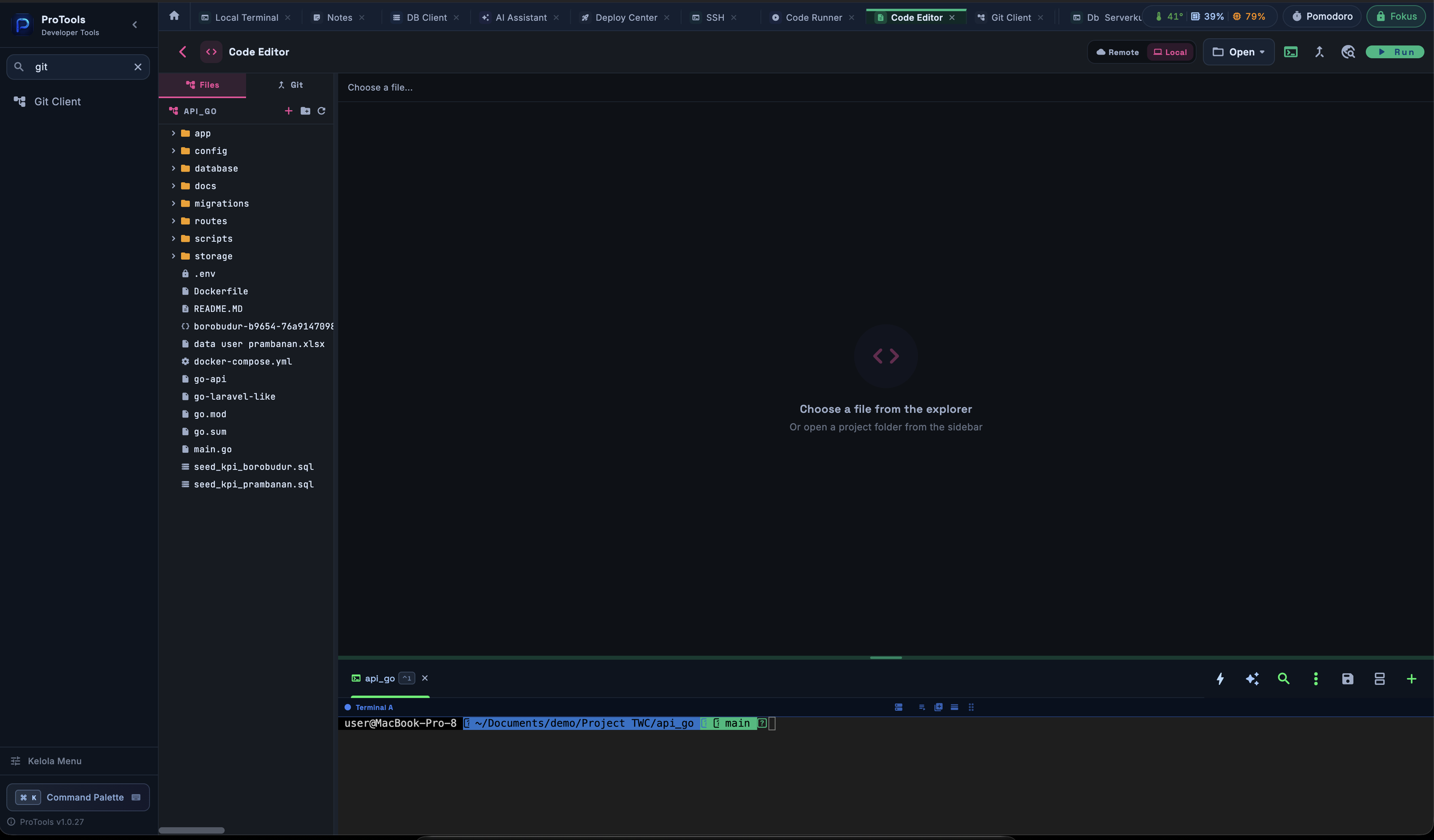
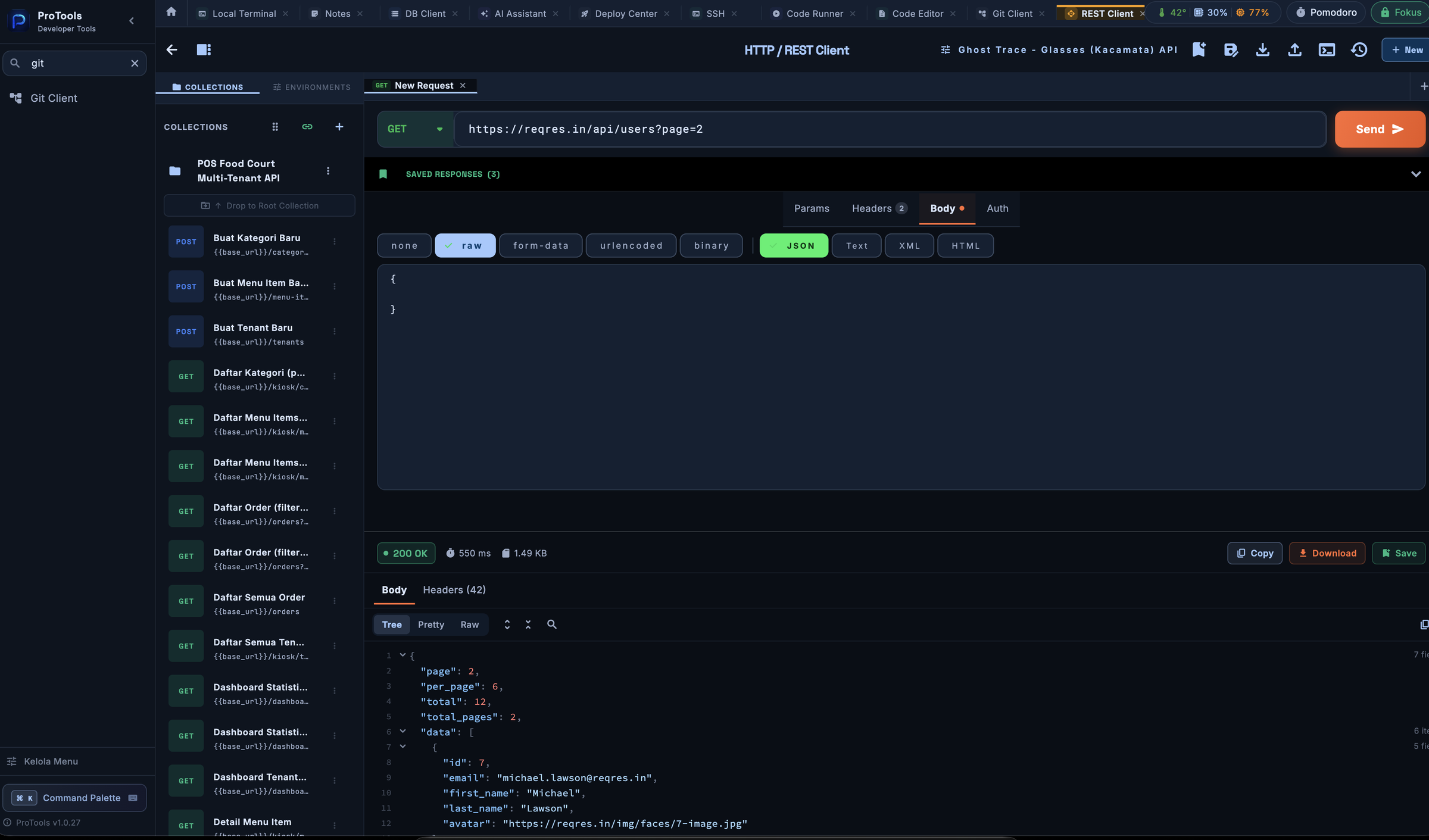
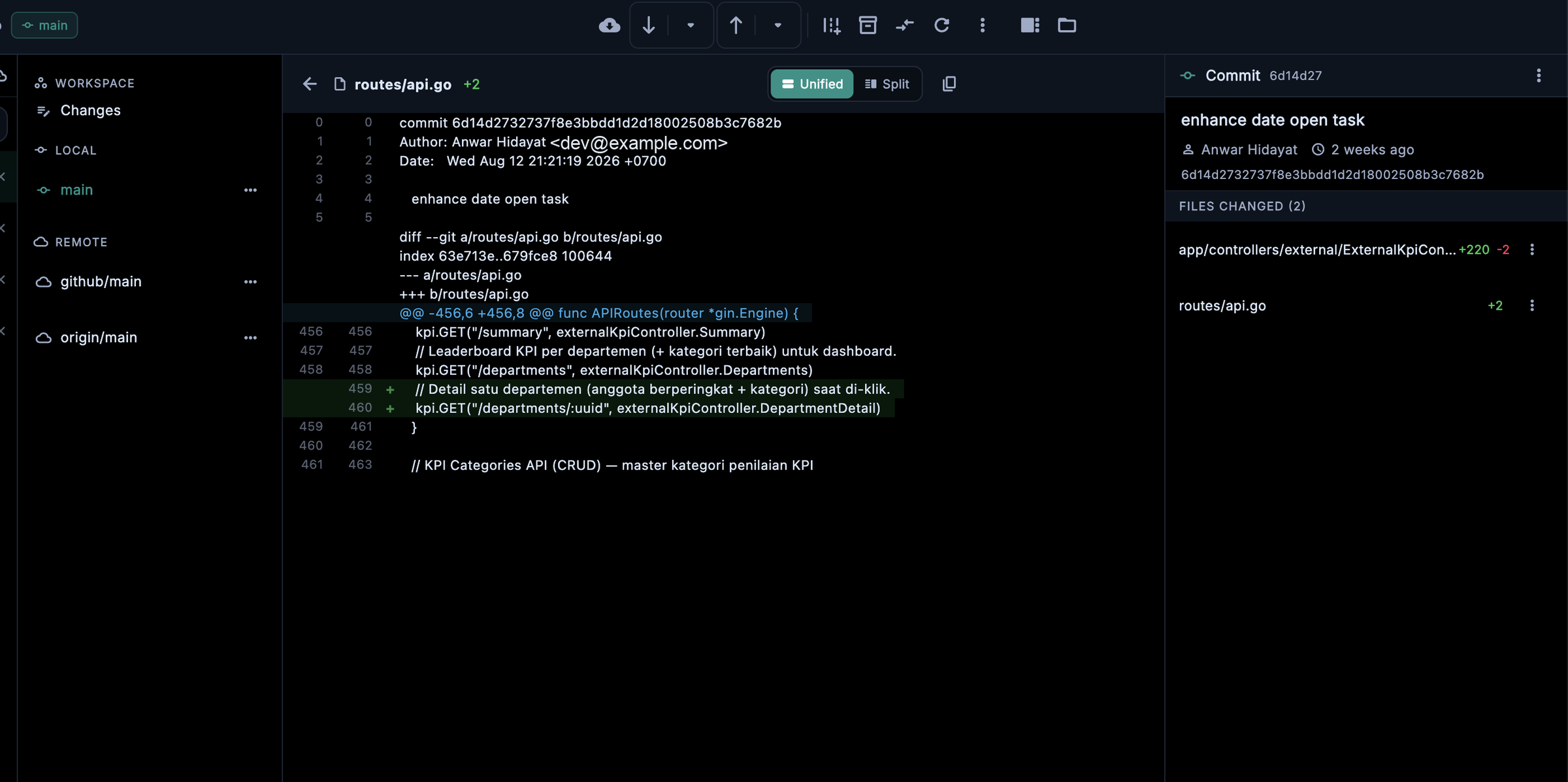
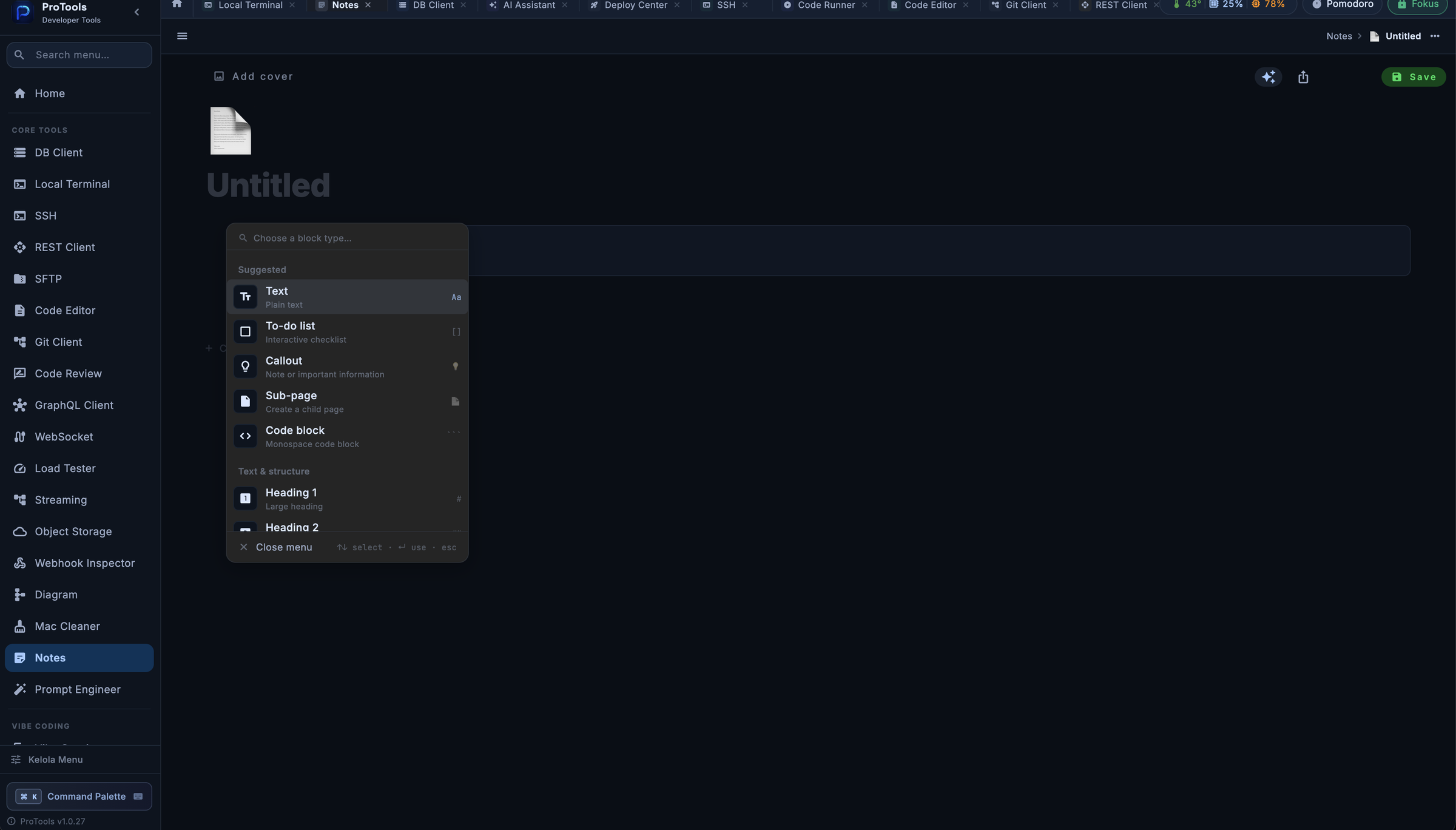
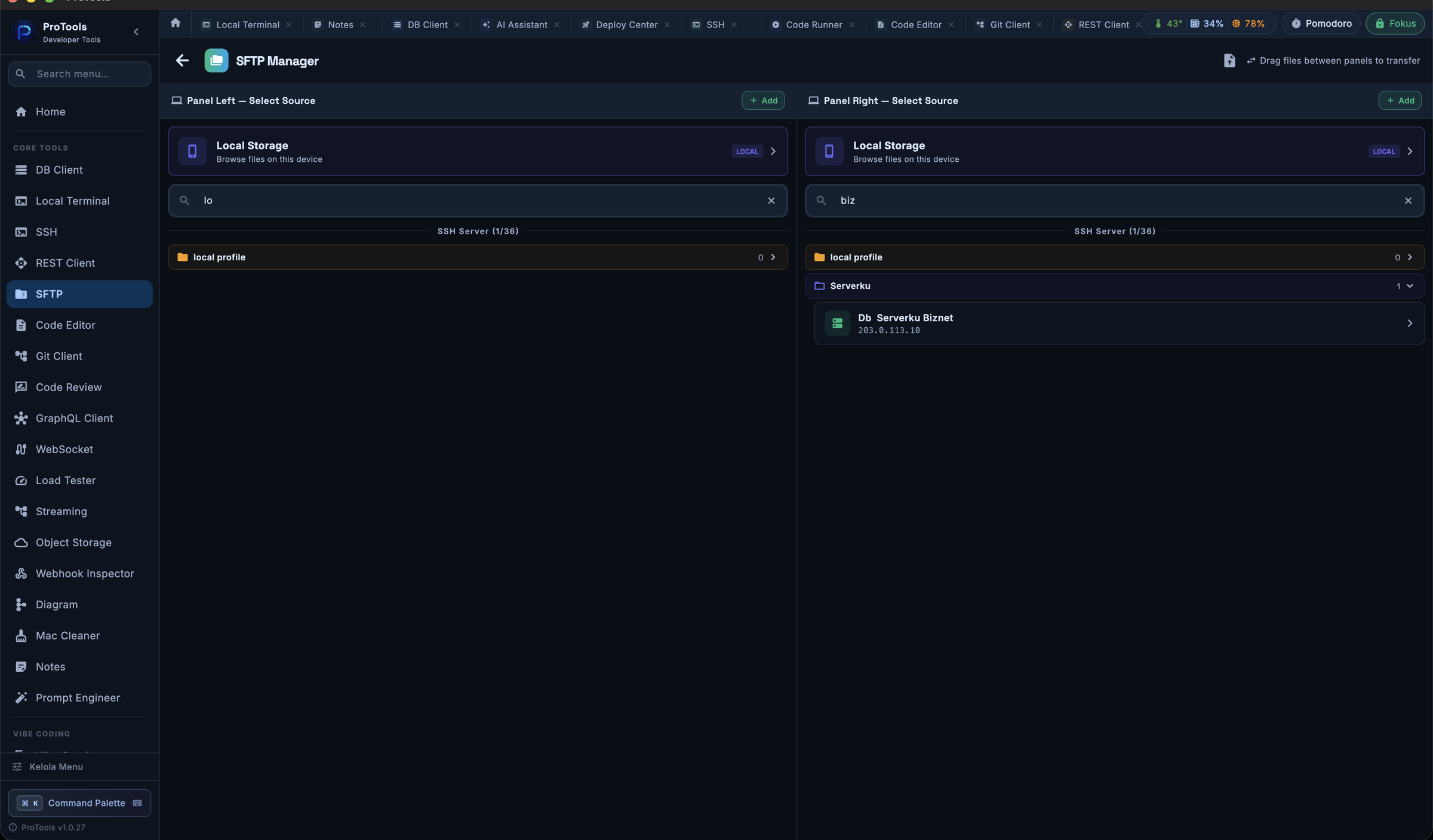
Signed with a Developer ID and notarized by Apple — you will not need to touch a single macOS security setting.
One 55 MB file. Grab it whole; do not re-compress it.
Open the .dmg and drag ProTools into your Applications folder.
Open it from Launchpad. No right-click, no extra permissions.
Across 109 screens, some tools are not as deep as DataGrip is for databases or Postman is for APIs. The strength here is how they work together.
Git, Docker and mysqldump call programs that must already be installed. Without them, those features will not run.
Local Terminal, Mac Cleaner and System Monitor depend on macOS. The mobile build does not carry them in full.
The code editor does not support true Sublime-style multi-cursor. What exists today is find-next plus find and replace.
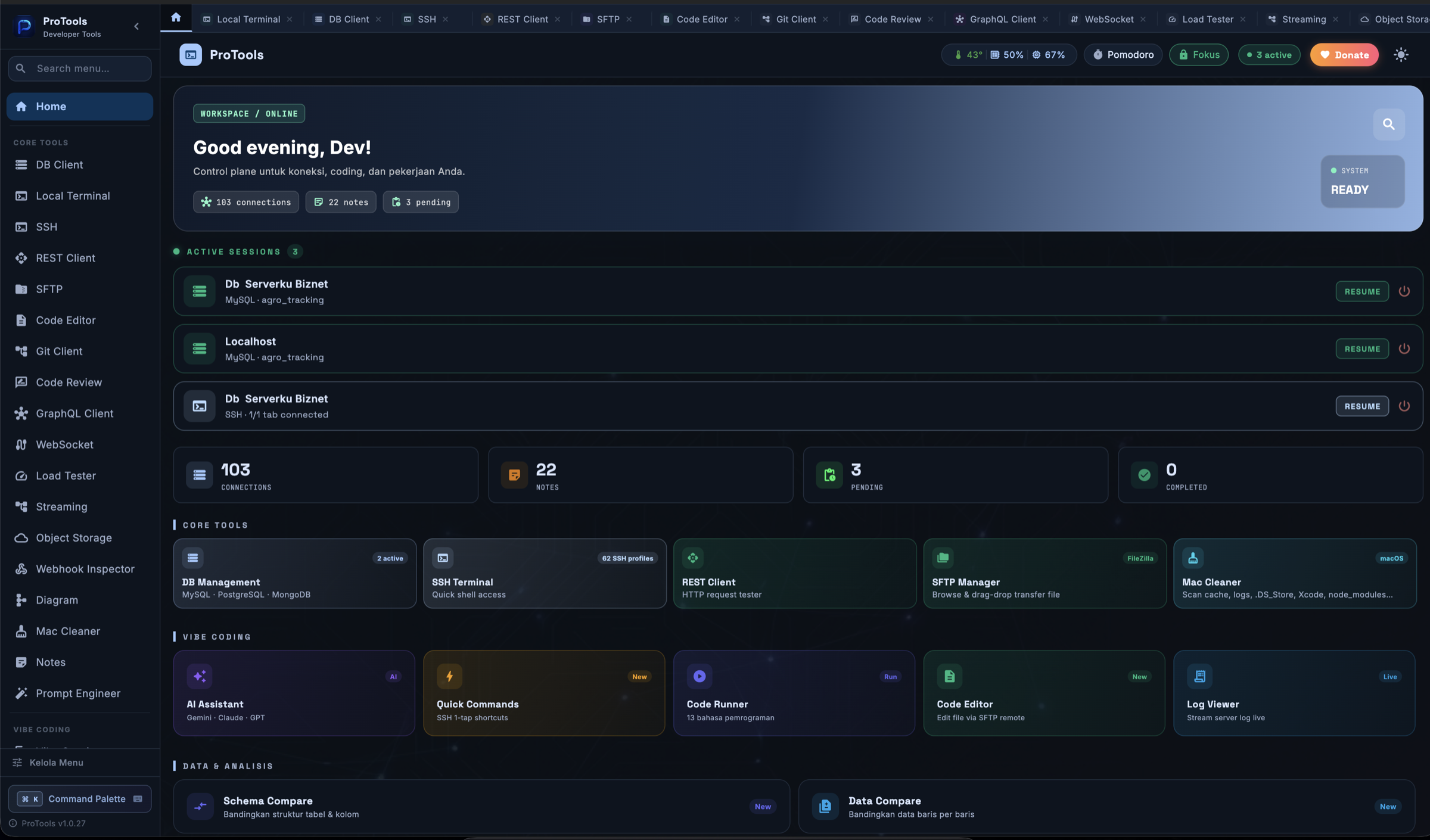
Nine apps open, four of them asking for the same database password. That is the problem this app was built to remove.
It ran perfectly here and refused to launch there. Two separate causes were stacked on top of each other, and each one hid the oth...
Syncing database credentials to somebody else’s server is a strange thing to ask people to do. So the server is yours, and it neve...
No sign-up, no subscription. Pick your platform.
55 MB · macOS 12 Monterey or later
28 MB · Windows 10 or later (64-bit)
141 MB · Android 8.0 or later
iPhone & iPad
Signed and notarized on macOS. The Android build is a direct APK download.
Leave your name if you would like release notes — it is not required.
 ProTools